

Prerequisite This repository requires Node.js 24 or newer. Mint’s own
minimum is Node.js 20.17, but it is not sufficient for the full workspace.
docs.json lives) and run:
http://localhost:3000.
Custom Ports
Mint uses port 3000 by default. You can use the--port flag to customize the port. For example, use this command to run on port 3333:
CLI Versions
Each CLI is linked to a specific version of Mintlify. Please update the CLI if your local website looks different than production.Deployment
You should see the following if the deploy successfully went through: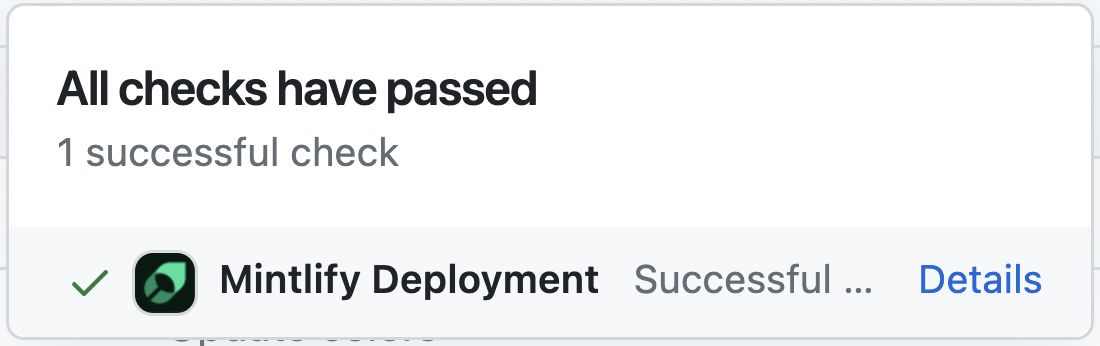
Troubleshooting
Here’s how to solve some common problems when working with the CLI.Mint is not loading
Mint is not loading
Verify that you are on Node.js v24 or newer. Then run
mint update
and try mint dev again.Getting an unknown error
Getting an unknown error
Try navigating to the root of your device and delete the ~/.mintlify folder.
Then run
mint dev again.